


A sales proposal is often the make-or-break moment in your pipeline. It is also one of the slowest things your team produces. So when reps go looking for a PandaDoc alternative, the real question is rarely about ticking off feature lists. It is about where the hours actually go.
PandaDoc and Cobl both help you get a polished document in front of a client. But they solve different halves of the problem. This guide compares Cobl vs PandaDoc on what matters most for sales proposals: how the document gets created, what it costs, and which tool fits which team.
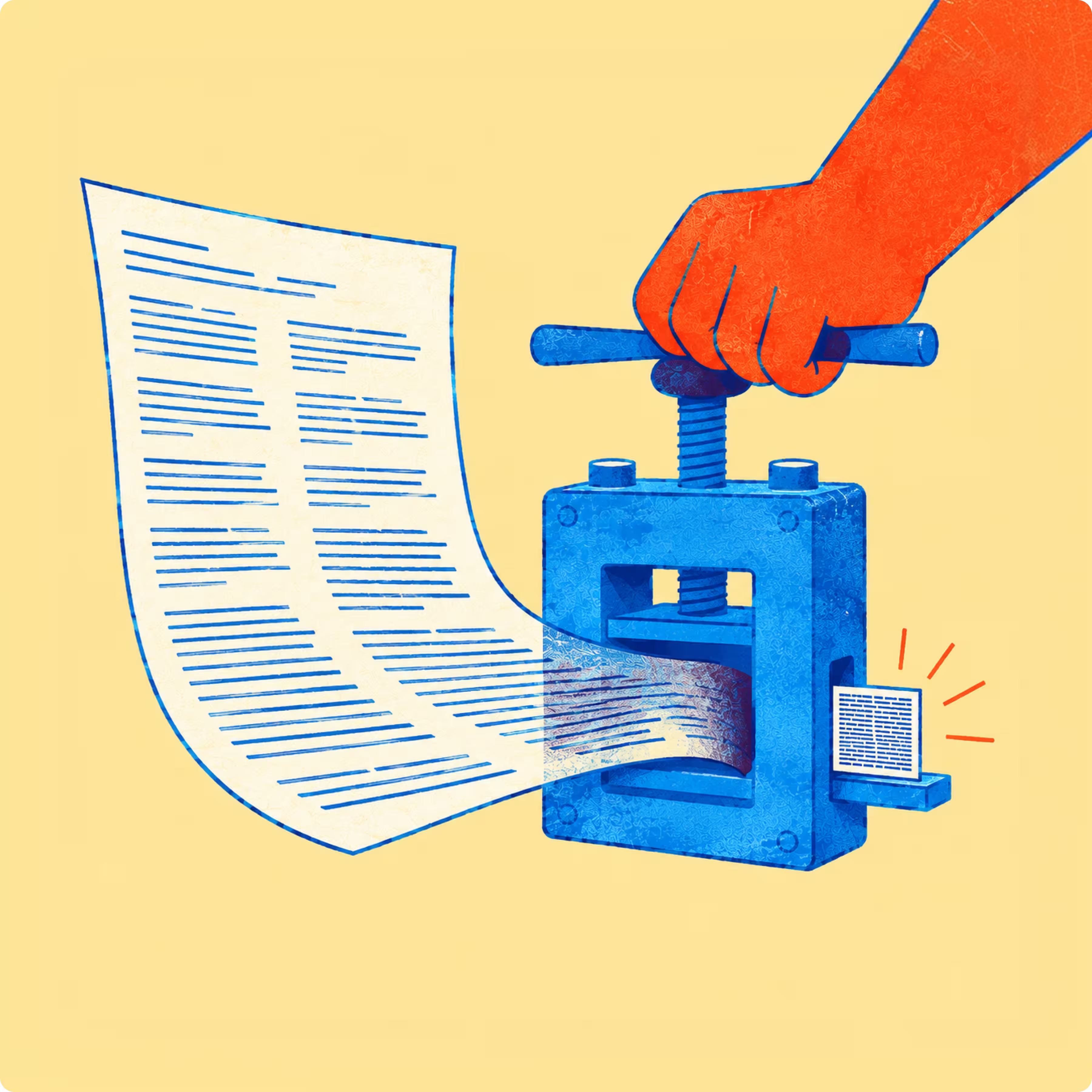
The short version: PandaDoc is built to format, send, track, and e-sign documents from templates. Cobl is built to write the proposal for you, generating a full draft from a brief and your existing knowledge base. If your main friction is signing and quoting, PandaDoc fits. If your main friction is writing long, tailored proposals and RFP responses, Cobl is the stronger PandaDoc alternative.
Cobl vs PandaDoc at a glance
Here is how the two tools line up across the dimensions that decide most proposal workflows. The takeaway is simple: PandaDoc owns the send-and-sign side of the document, while Cobl owns the create-the-document side.
| PandaDoc | Cobl | |
|---|---|---|
| Core job | Format, send, track, and e-sign documents built from templates | Generate the proposal itself from a short brief and your knowledge base |
| How documents get created | Drag-and-drop editor, reusable templates, CRM merge fields | A multi-agent AI writes, structures, and formats the document for you |
| AI capability | Assistive features (smart content, suggestions) layered on templates | Purpose-built: an orchestrator agent dispatches specialized agents for layout, brand, proofreading, and QC |
| Document length | Best for short to medium documents, quotes, and contracts | Long-form ready, up to 150 to 200 pages (RFPs, technical proposals) |
| Export formats | PDF and shareable web documents | PDF, Word, and PowerPoint |
| Data sources | CRM integrations (HubSpot, Salesforce, Pipedrive) on paid plans | CRM, email, notes, transcripts, and files (Google Drive, Notion) |
| E-signature and payments | Built in, legally binding, with native payment collection | Not the focus: Cobl creates the document, signing is handled in your existing stack |
| On-brand output | Manual template setup, custom branding on higher tiers | On-brand by default (guidelines, colors, and logos applied automatically) |
| Data and compliance | SOC 2, GDPR, and HIPAA options | GDPR, no AI training on your data, hosted on French servers |
| Entry price for proposal features | $49 per seat per month (Business plan) | Free plan available, paid plans from an accessible entry point |
| Best for | Teams whose core need is signing, quoting, and contract workflows | Teams whose bottleneck is writing complex proposals and RFP responses |
What is PandaDoc best at?
PandaDoc is strongest as an end-to-end document and e-signature platform, and it has the maturity to prove it. The product serves more than 50,000 customers, and on review sites like G2 the consistent praise is for its e-signature experience, its drag-and-drop editor, and how quickly new users get productive.
If your sales motion lives and dies on signing and quoting, that strength is real. A few things PandaDoc genuinely does well:
- Native e-signatures: signing is built in, legally binding, and does not need a third-party tool. For high-volume contracts and quotes, that is a serious advantage.
- Payments at the point of signature: clients can pay directly from the document through Stripe, PayPal, and similar gateways.
- CPQ and quoting: on higher tiers, PandaDoc configures price quotes and pulls customer data straight from your CRM.
- Tracking and analytics: reps see when a prospect opens a document and which sections they read, so follow-ups land at the right moment.
None of this is in question. PandaDoc is a capable platform. The issue is what happens when the document you need is a real sales proposal, not a quote or a signature request.
Where does PandaDoc fall short for sales proposals?
PandaDoc helps you assemble and send a proposal, but it does not write it for you. Templates and merge fields still leave a person to draft the narrative, tailor the solution to the client, and structure a 40-page RFP response. The AI features are assistive, sitting on top of templates, rather than generating a full draft from a brief. For teams whose bottleneck is the writing itself, that gap is the whole problem.
Two other friction points come up often when buyers compare PandaDoc competitors.
The pricing reality
Proposal features are not in the entry plan. On PandaDoc's pricing page, the tier described as built for sales proposals is Business, at $49 per seat per month. The cheaper Starter plan is positioned around forms and agreements, without CRM integration or custom branding.
| Plan | Price | Built for | What it means for proposals |
|---|---|---|---|
| Free | $0 / month, unlimited seats | Basic eSign without the price tag | Capped at 60 documents per year |
| Starter | $19 / seat / month | Creating and signing forms and agreements | No CRM integration and no custom branding |
| Business Most popular | $49 / seat / month | Sales proposals and agreement workflows | First tier that unlocks proposal essentials: CRM integrations, custom branding, content library, deal rooms, approval workflows |
| Enterprise | Custom (per-seat or per-document) | End-to-end document workflows | CPQ, workflow automation, SSO, and API often sit here or as paid add-ons |
Beyond the headline price, buyers regularly flag two things. API usage can be billed per document, which surprises teams that generate documents programmatically. And custom branding has historically been gated to higher plans, so proposals on lower tiers can carry the vendor's branding rather than yours. There are also documented cases of plan features changing at renewal and pushing users to a more expensive tier to keep functionality they already relied on. For a five-person sales team, a per-seat model adds up quickly.
It formats documents, it does not write them
This is the core distinction. PandaDoc is a formatting and workflow tool. The fastest path to a finished proposal still runs through a human writing it. One recurring theme in PandaDoc reviews is that producing and formatting proposals stays time-consuming, and every declined proposal is sunk effort. That is precisely the cost a generative tool is designed to remove.
Where is Cobl different?
Cobl is purpose-built to generate the proposal itself, not just to format one you have already written. Instead of prompting a single generic model, Cobl runs a multi-agent system: an orchestrator agent reads your brief, then hands specialized agents the distinct jobs of layout, brand compliance, visual search, chart generation, proofreading, and final quality control. It is a purpose-built proposal engine, not a ChatGPT wrapper.
Because it connects to your CRM, email, notes, and files, Cobl gathers the context a proposal needs and drafts a complete, on-brand document. A few differences that matter for sales and pre-sales teams:
- From a brief to a draft in minutes: you type what you need, Cobl asks smart follow-ups, then produces a ready-to-edit version. The work shifts from writing to refining.
- Long-form by design: Cobl handles documents up to 150 to 200 pages, which is the range RFP responses and technical proposals actually live in.
- Real export formats: finished documents export to PDF, Word, and PowerPoint, not only to a web viewer.
- On-brand by default: your guidelines, colors, and logos are applied automatically, so output looks like your company from the first draft.
- Your data stays yours: Cobl is GDPR compliant, does not train AI on your data, and runs on French servers. You can read the specifics on how Cobl handles your data.
The proof shows up in customer numbers. Adista's pre-sales team reports generating a 150 to 200 page sales document in under five minutes, around 90% ready to use, with the rest being human fine-tuning. Open's RFP team cut response time by roughly 50%, going from two or three hours to draft a proposal from scratch to a framework version in about five minutes, which leaves more time to tailor it to the client.
A fair caveat: AI is not perfect, and it can make mistakes. That is why human-in-the-loop validation matters, and why Cobl is built around editing and approval rather than blind automation. The goal is to remove the blank-page grind, not the human judgment. If you want the mechanics, here is how AI proposal generation works.
Cobl vs PandaDoc: which should you choose?
Neither tool is a universal winner. They are strong at different jobs, so the right pick depends on where your time is lost today.
Choose PandaDoc if:
- Your core need is e-signature, payments, and contract workflows
- You send a high volume of quotes and standardized agreements
- Your proposals are mostly template-driven and already written
- You want CPQ tightly wired into your CRM
Choose Cobl if:
- Your bottleneck is writing tailored proposals and RFP responses, not signing them
- You produce long, complex documents that templates cannot cover
- You want AI to draft from your CRM, notes, and knowledge base, then refine with your team
- European data residency and no AI training on your data are requirements
Many teams end up using both: Cobl to create the proposal, and a signing tool to close it. The point is to stop forcing a signature platform to do a writing job it was never built for.
Send better proposals, faster
PandaDoc is a solid choice when the document already exists and you need to format, send, and sign it. Cobl is the better fit when the hard part is producing the document in the first place, especially for long, tailored proposals and RFP responses. That is the honest line between the two, and it is the question worth answering before you pick.
If you want to see Cobl in action, you can try Cobl for free, with up to three generated documents per month, and judge the drafts for yourself.



.avif)