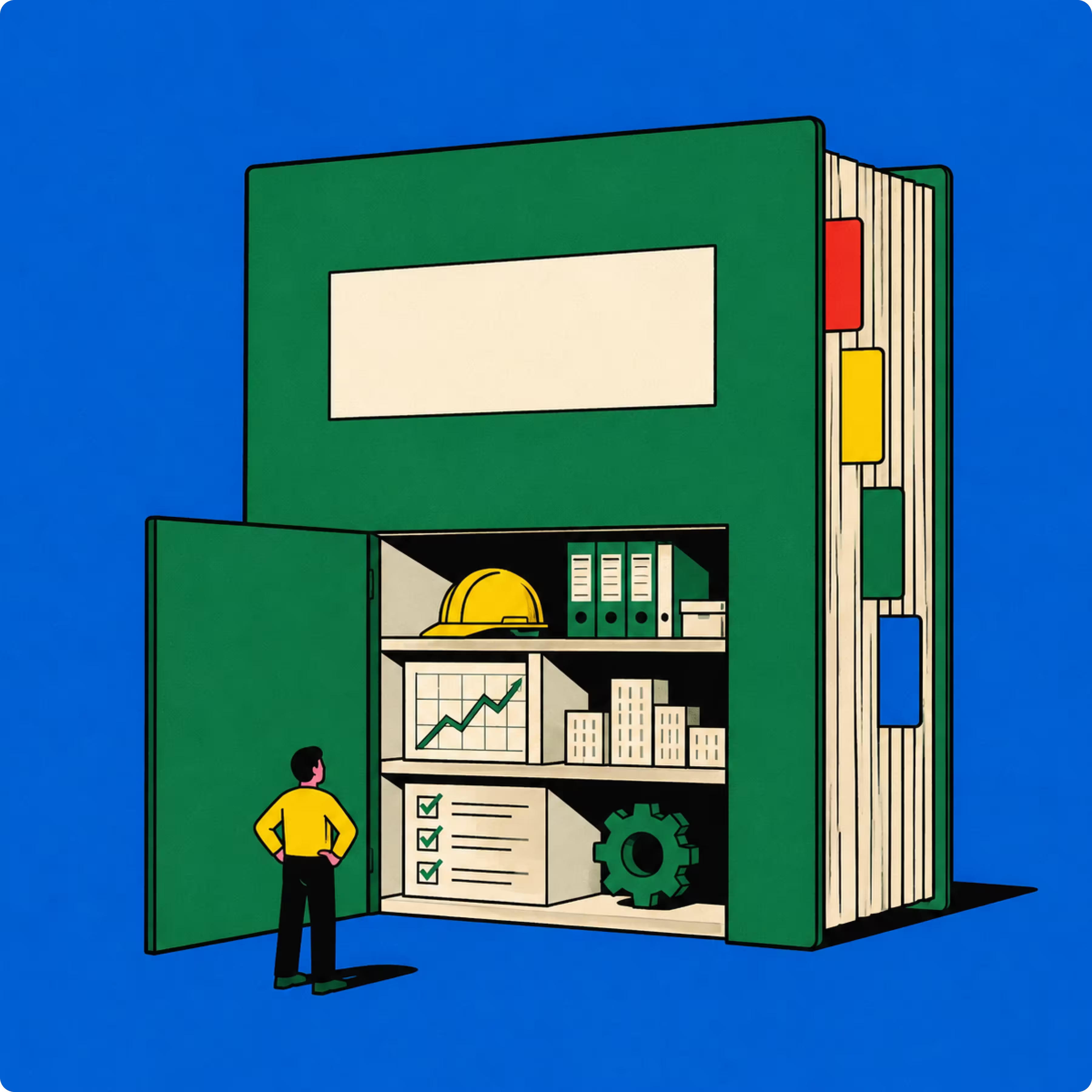
Deal workspace software is a seller-side tool that keeps everything about one deal in one place: the account, the stakeholders, the conversations, the commitments and the documents. A CRM records where a deal stands. A deal workspace holds what the team knows about it.
The need usually shows up just before a call. You open the opportunity and the last note is three weeks old. The question the CISO asked sits in an email thread, the pricing promise you made is in a colleague's meeting notes, and the deck has been edited twice since you sent it. You walk in with an outdated picture of the deal, and the buyer notices.
On a complex deal, that gap costs more than time. A forgotten commitment or a stakeholder nobody followed up with is how an opportunity stalls, often without anyone seeing it until the close date moves. This guide is for account executives, sales directors and the presales teams who work with them on complex B2B deals, mostly in IT services, cloud, cybersecurity and telecom.
Key takeaways
- Deal workspace software keeps one deal's account context, stakeholders, conversations, commitments and documents in one place, while a CRM records the deal's stage, value and contacts.
- A digital sales room is a buyer-facing portal for sharing deal material, and a deal workspace is the seller-side place where the team prepares that material.
- Gartner's B2B buying research puts a typical complex purchase at six to ten decision makers, each gathering information on their own.
- Salesforce's State of Sales research found that sales reps spend 28% of their week selling, with deal management and data entry taking much of the rest.
- Cobl is a workspace for the deal team and an AI sales assistant for complex deals: it holds each deal's context and uses it to prepare the next move for the right person.
What is deal workspace software?
Deal workspace software gives each opportunity its own shared space, linked to the CRM record, where the team keeps everything it learns about the deal. It exists because complex deals produce context faster than a CRM can hold it: several stakeholders, several meetings and several documents before anyone signs.
A deal workspace typically holds five things:
- Account and stakeholder context: who is involved on the buyer side, what each person cares about and who influences the decision.
- Conversation history: call notes, meeting recaps and the email threads that matter.
- Commitments and next steps: what each side promised, by when and who owns it.
- The deal's documents: proposals, business cases, security answers and decks, in their latest version.
- A link to the CRM record, so stage, value and forecast stay in the system of record.
The test is simple. A colleague who joins the deal tomorrow should understand where it stands and what was promised without asking anyone.
Deal workspace vs CRM vs digital sales room vs virtual data room
Four types of tool are often confused with each other. They answer different questions: the CRM answers "where does this deal stand?", the deal workspace answers "what do we know about this deal?", the sales room answers "what does the buyer see?" and the data room answers "who can read this confidential file?" The table sets them side by side, with a fifth option that holds the deal's context and also acts on it.
| Tool | Who uses it | What it holds | What it does | Buyer sees it |
|---|---|---|---|---|
| CRM | Sales, management, RevOps | Accounts, contacts, stages, values, activity logs | Records the pipeline and produces forecasts | No |
| Deal workspace | Account executives, presales, experts | Context, stakeholders, conversations, commitments and documents for each deal | Keeps the team working from the same picture of the deal | No |
| Digital sales room | Seller and buying committee | Material shared with the buyer, mutual action plans | Presents the deal to the buyer and tracks engagement | Yes |
| Virtual data room | M&A advisers, legal, finance | Confidential documents for due diligence | Controls access and keeps audit trails | Yes, under strict permissions |
| Deal workspace with an AI assistant | Account executives, presales, sales directors, experts | Deal context, the people involved on both sides, company knowledge and sales methods | Flags what puts the deal at risk and prepares the next piece of work for whoever is up next | No, it shares finished work |
"Deal room" can mean a digital sales room in software sales or a virtual data room in M&A. Check which one a vendor means.
Does a deal workspace replace a CRM?
No. The CRM stays the system of record for accounts, stages and forecasts across all deals. A deal workspace sits next to it and holds the detail that does not fit in CRM fields: what the buyer said, what the team promised and what the next document has to answer.
Deal workspace or digital sales room?
A digital sales room is buyer-facing. G2 defines the category as software that gives salespeople a customer-facing portal to share content, chat with clients and build proposals with prospective buyers (G2, Digital Sales Room category). A deal workspace sits on the seller side: it is where the team gathers what it knows about the deal and prepares what the buyer will see.
The two can work together. Cobl sits on the seller side. It is the workspace where your team keeps each deal's context, and an AI sales assistant that works from that context: it flags what could cost you the opportunity and prepares the next piece of work, from a meeting brief to a business case. When a document goes to the buyer, Cobl shows how many people opened it, how many times and when it was last viewed. It does not provide a buyer portal.
Signs your team has a deal context problem
Most teams do not set out to buy a deal workspace. They notice the symptoms first:
- You walk into a call with notes that are weeks old, because the latest information sits in someone else's inbox.
- You cannot list the commitments you made across ten active deals without rereading your emails.
- A deal changes hands and the new owner spends a week rebuilding what was said and promised.
- Procurement, legal or security appear late in the deal, and nobody had them on the stakeholder list.
- The CRM says the deal is at the proposal stage, but nobody can say what has to happen next.
Each of these is a context problem, not an effort problem. The information existed somewhere in the company. It was not in front of the person who needed it, at the moment they needed it.
Buying groups make this harder. Gartner's research puts the typical complex B2B purchase at six to ten decision makers, each gathering information independently. Every extra stakeholder adds meetings, questions and commitments that someone on the selling side has to track.
Why a shared workspace is not enough on complex deals
A deal workspace solves where the context lives. It does not solve what happens to it. Someone still has to read the notes, spot the risk, decide the next move and prepare the work before the buyer's next meeting.
That work is where sellers already lose their time. Salesforce's State of Sales research found that reps spend 28% of their week selling, with the majority taken by tasks such as deal management and data entry, and that 66% of reps feel overwhelmed by the number of tools they use (Salesforce, State of Sales). A new place to store deal context can become one more tool on that list, unless it also does part of the work.
The hardest part of a complex deal is often what happens between meetings. The recap is promised and sent three days late. The champion needs material for an internal meeting and gets a generic deck. An objection needs evidence before the next call, and nobody prepares it. These are execution gaps, and they are how complex deals stall or are lost. Closing them takes a workspace that does more than store the context: it has to act on it.
What to look for in deal workspace software
Whether you buy a deal workspace, an AI sales assistant or both, check the tool against these eight criteria:
- Persistent context per deal: the account, stakeholders, conversations and commitments stay attached to the opportunity, not to one person's notes.
- Connections to the tools sellers already use: CRM, email, meeting notes and drive, so nobody copies context by hand.
- Company knowledge on tap: approved pricing, customer references, past proposals and validated answers, reused across deals.
- Risk and next steps, not only storage: the tool helps the team see what could cost the deal and what to do next.
- Buyer-ready work from the deal's context: meeting briefs, follow-ups, business cases and proposals that reflect what the buyer actually said.
- Collaboration with permissions: sales, presales and experts work on the same deal without rebuilding context, with access controls.
- A person in control: every output is reviewed and edited before it reaches the buyer.
- Security that fits your buyers: where data is hosted, how it is encrypted and whether the vendor trains models on customer data.
How Cobl handles the work between meetings
Cobl is a workspace for your deal team and an AI sales assistant for complex deals. Each deal keeps its context in one place: the account, the conversations, the documents and the people involved on both sides, from the buyer's CFO to your presales engineer. Cobl uses that context, with your company's knowledge and sales methods, to see what puts the opportunity at risk, decide the next move and prepare the work for whoever is up next. The CRM records the deal. Cobl helps get done the work the CRM tracks but does not do, and the salesperson stays in charge of the relationship, the judgment and the negotiation.
One complex deal, step by step
Take an account executive at an IT services firm working a managed security deal. Before the discovery call, Cobl prepares a brief from the CRM record, the account history and past exchanges, including who is attending and what each person cares about.
After the call, Cobl drafts the recap and the follow-up email with the commitments made on both sides, including the objection that budget is locked until Q1.
A week later, a technical workshop is booked with the buyer's security team, and presales is up next. Cobl picks up that signal and prepares a brief for the presales engineer: what the buyer has already said, the requirements raised, the open objections and who will attend. The buyer does not have to repeat themselves to a new person.
Three weeks later, the champion asks for material to convince their CFO. Cobl drafts a business case from the call notes, the account and approved customer references, in the company's design. The rep edits it, the sales director checks the numbers and it goes out.
Nine days later, the document analytics show that nobody has opened it. The rep calls the champion instead of waiting. At any point, the rep can also ask Cobl to review the deal: missing stakeholders, open commitments and objections without an answer.
None of these steps is new for a good salesperson. What changes is that each person who joins the deal starts from the full context, and the first draft of the work is already done.
How Cobl fits with your existing tools
- Connects to CRM, email, meeting and drive tools. The integrations directory lists the current connectors, including Salesforce, HubSpot, Pipedrive, monday.com, Fireflies and Google Drive.
- Puts company knowledge to work on every opportunity: pricing, case studies, past proposals and validated answers, kept in a Shared Drive.
- Works where sellers already work: Cobl can be used from ChatGPT, Claude, WhatsApp and iMessage, so a rep can prepare a meeting or capture a commitment without switching tools.
- Gives sales, presales and experts one shared workspace per deal, so nobody rebuilds the context when they join.
- Exports editable Word and PowerPoint files, plus PDF.
Econocom, an IT services group, brought its sales, presales, legal, security and technical teams onto Cobl across six countries. The company reports more than 300 active users in under six months, a 300% ROI on the subscription and an estimated €100,000 saved in the first six months (Econocom customer story). These are Econocom's own figures.
What Cobl does not do
- It does not replace your CRM. The CRM remains the system of record, and Cobl reads from it.
- It is not a digital sales room and has no buyer portal. It shares finished documents and shows whether and when they were opened.
- It is not a generic AI chat. It keeps persistent deal context in a shared workspace, so nobody re-explains the deal for every task.
- It does not sell for you. Every output is reviewed by a person before it reaches the buyer.
Who Cobl is for
Cobl is built for teams selling complex solutions, most often in IT services, cloud, cybersecurity and telecom: account executives, the sales directors who need consistent execution across the team, and the presales and bid teams who work on the same deals. It fits deals with several stakeholders, several meetings and several documents before signature. It is less relevant for transactional sales where one quote closes the deal.
On security, Cobl hosts application data in the EU, runs on SOC 2 Type 2 and ISO 27001 certified infrastructure, and does not train models on customer data. See how Cobl helps sales teams keep complex deals moving, or start the free trial from the pricing page and try it on a live deal.
How to choose: storage or execution?
A CRM tracks the deal, a digital sales room presents it and a deal workspace stores what the team knows about it. On complex deals, the open question is who does the work between meetings. Pick a tool that keeps context attached to each deal, connects to the systems you already use, helps the team see what could cost the deal, and keeps a person in control of everything the buyer receives.



.avif)